# Execution Environments

Environments and Agent Groups form the core structural foundation for managing the integration lifecycle within Frends. These concepts allow organizations to define a clear path for development, testing, and production while maintaining total control over where and how data is processed. By separating the logical definition of a stage from the physical execution environment, Frends provides the flexibility needed for complex hybrid cloud architectures and secure data handling.

## Environments

Environments in Frends act as logical containers that group resources and settings based on their role in the integration lifecycle. Typically, a Tenant is configured with multiple Environments such as Development, Test, and Production to ensure that changes are verified before they affect business-critical systems.

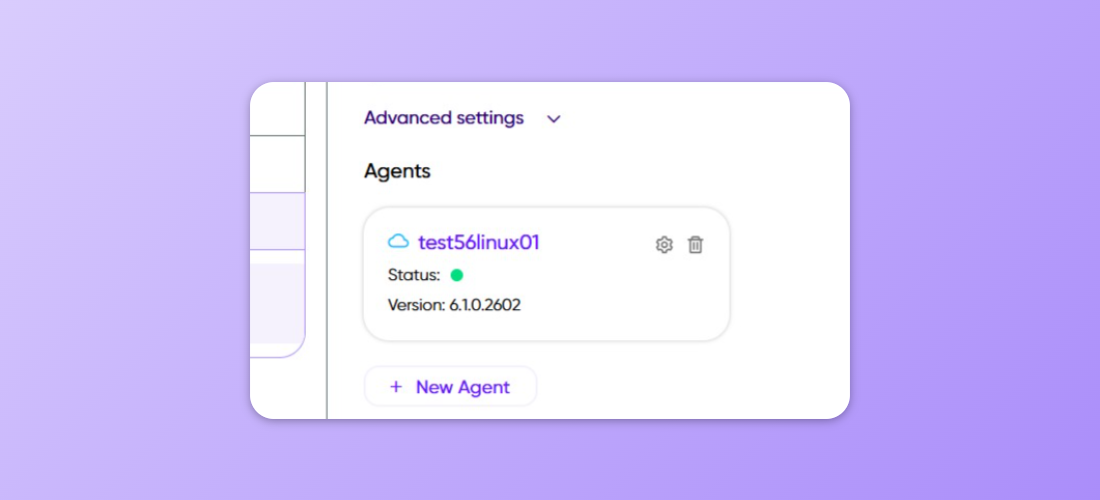
<figure><img src="/files/oArojdJBfsrFa2Juvj1o" alt=""><figcaption><p>Environments are the top level container for Agents and Agent Groups.</p></figcaption></figure>

### Lifecycle Isolation

Each Environment provides a dedicated space where Processes can be deployed and executed independently. This isolation ensures that a failure in a development workflow cannot impact the production environment. By defining distinct Environments, administrators can also control access permissions, ensuring that only authorized users can deploy to or view sensitive production data.

### Environment Specific Configuration

The primary value of using Environments is the ability to manage configuration centrally through Environment Variables. These variables allow a single Process definition to behave differently depending on where it is deployed. For example, a Process can connect to a local development database when in the Development Environment and automatically switch to a high-availability production database when promoted, without any changes to the Process logic itself.

## Agent Groups

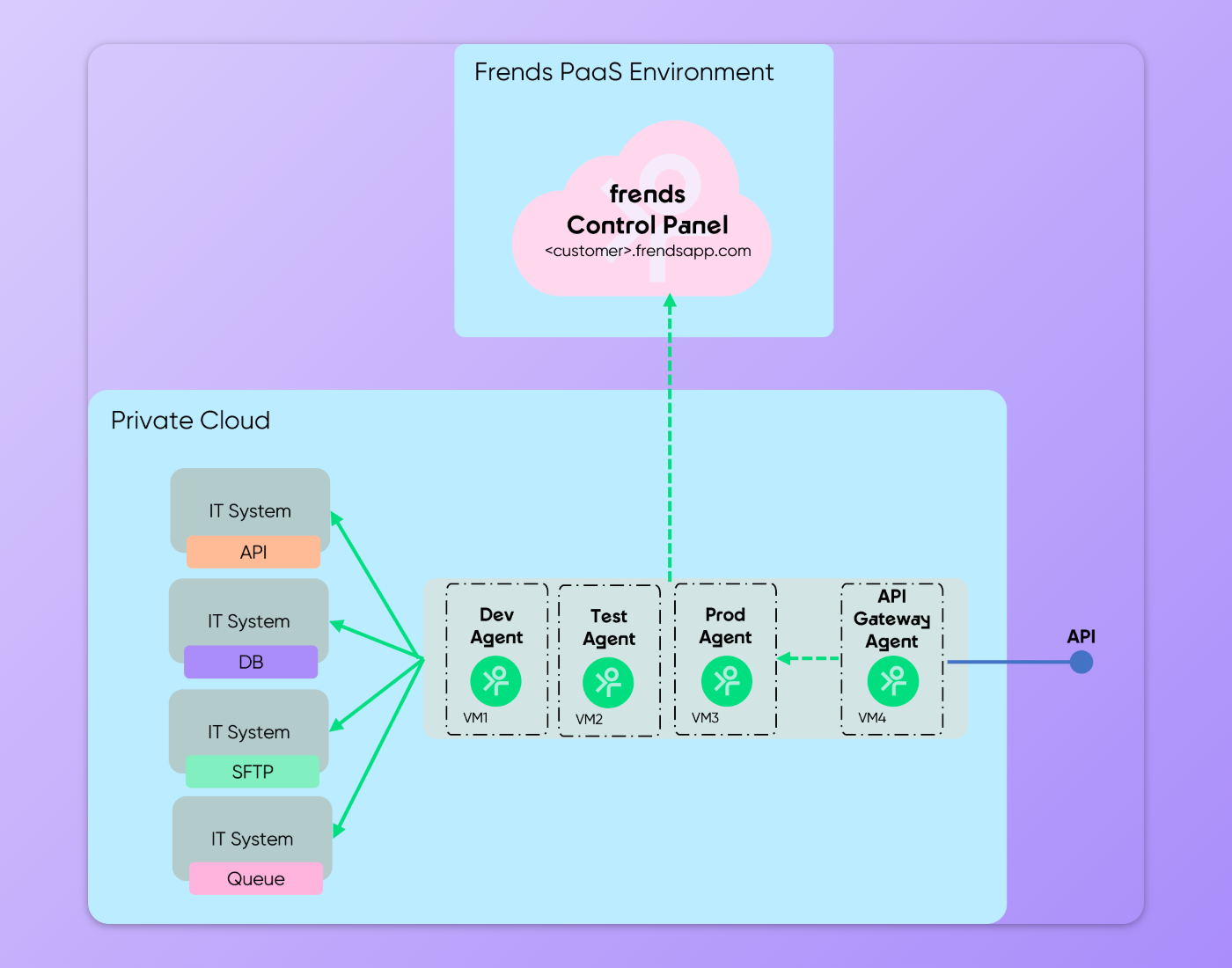
While Environments provide the logical grouping, Agent Groups define the actual physical or virtual locations where the Frends Agents reside. An Environment can contain one or more Agent Groups, which represent the execution capacity for that specific stage of the lifecycle.

### Hybrid Cloud Flexibility

Agent Groups are the key to Frends' hybrid architecture. They can be located anywhere: on-premise servers, private clouds, or dynamic containers in a public cloud. This allows organizations to keep data processing close to the data sources, which is critical for compliance, security, and performance. For instance, a Production Environment might have one Agent Group in a local data center for legacy system access and another in a cloud environment for modern API integrations.

### High Availability and Scaling

Within an Agent Group, multiple Frends Agents can work together to provide load balancing and high availability. If one Agent becomes unavailable, others within the same group can continue executing Processes. This ensures that integration workflows remain resilient even in the event of infrastructure issues. Organizations can scale their execution capacity by adding more Agents to a group or creating additional Agent Groups to handle specific workloads.

For more information on how to set up these structures, see the guide on [Creating new Environments & Agent Groups](/guides/setup-and-installation/creating-new-environments-and-agent-groups.md).


---

# Agent Instructions: Querying This Documentation

If you need additional information that is not directly available in this page, you can query the documentation dynamically by asking a question.

Perform an HTTP GET request on the current page URL with the `ask` query parameter:

```
GET https://docs.frends.com/management-and-operations/integration-lifecycle/environments.md?ask=<question>
```

The question should be specific, self-contained, and written in natural language.
The response will contain a direct answer to the question and relevant excerpts and sources from the documentation.

Use this mechanism when the answer is not explicitly present in the current page, you need clarification or additional context, or you want to retrieve related documentation sections.